Client work · 2026
VoPro
Turning a founder’s product knowledge into an experience he could show, explain, and control at CMAA.
Project film
A booth built around the conversation.
The brief, the decisions, and the presentation in use.
Live prototype
Take the presenter’s seat.
Explore the loop, choose a scenario, or step through a workflow at your own pace.
Opening the presentation…
The problem
A critical chance to win customers.
Jeffrey had spent years developing VoPro, a tool that turns spoken site notes into structured construction reports. At CMAA, he would be face to face with the project managers it was built for.
Jeffrey told me a further round of investment depended on securing at least three customers at CMAA. The presentation needed to help him turn interest into a decision to sign up.
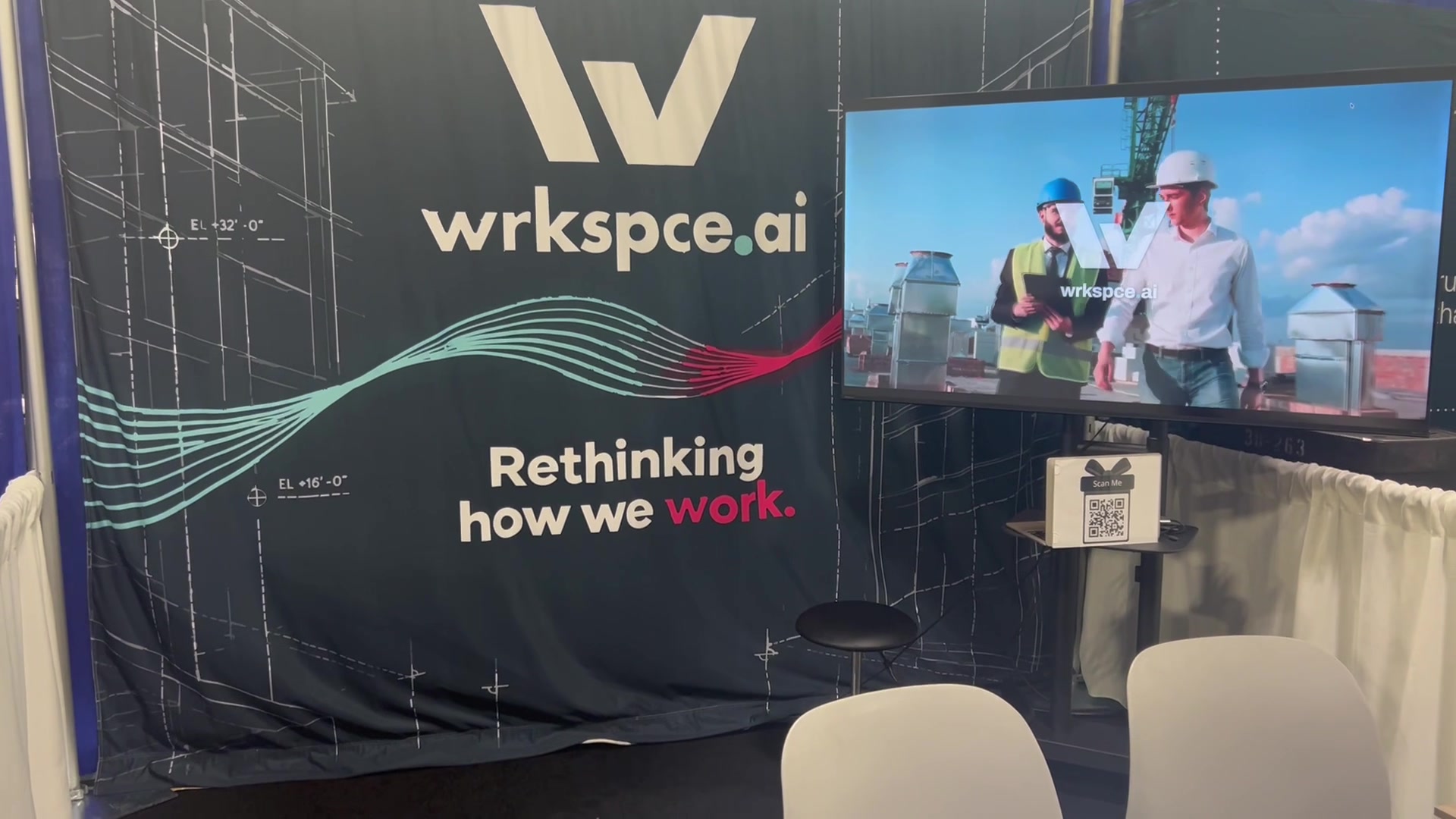
He needed a booth experience that would catch someone’s attention, make the product’s value understandable, and support a live sales conversation. The starting material included existing logos, a rough design kit, and a backdrop image that needed rebuilding for print.
The approach
Build from the conversations.
We worked through how VoPro was used on site and what Jeffrey wanted people to understand. Those conversations shaped three scenarios: Daily Log, Observation, and RFI.
I translated the visual direction into scene descriptions and generated imagery through fal.ai, then combined the footage with animated product cues. I rebuilt the backdrop in Illustrator at its full 10 × 8 foot size and brought the moving pieces together in an HTML presentation.
The loop could introduce the product on its own. When someone stopped, Jeffrey could choose a scenario or move into a guided workflow.
The identity needed care, too.
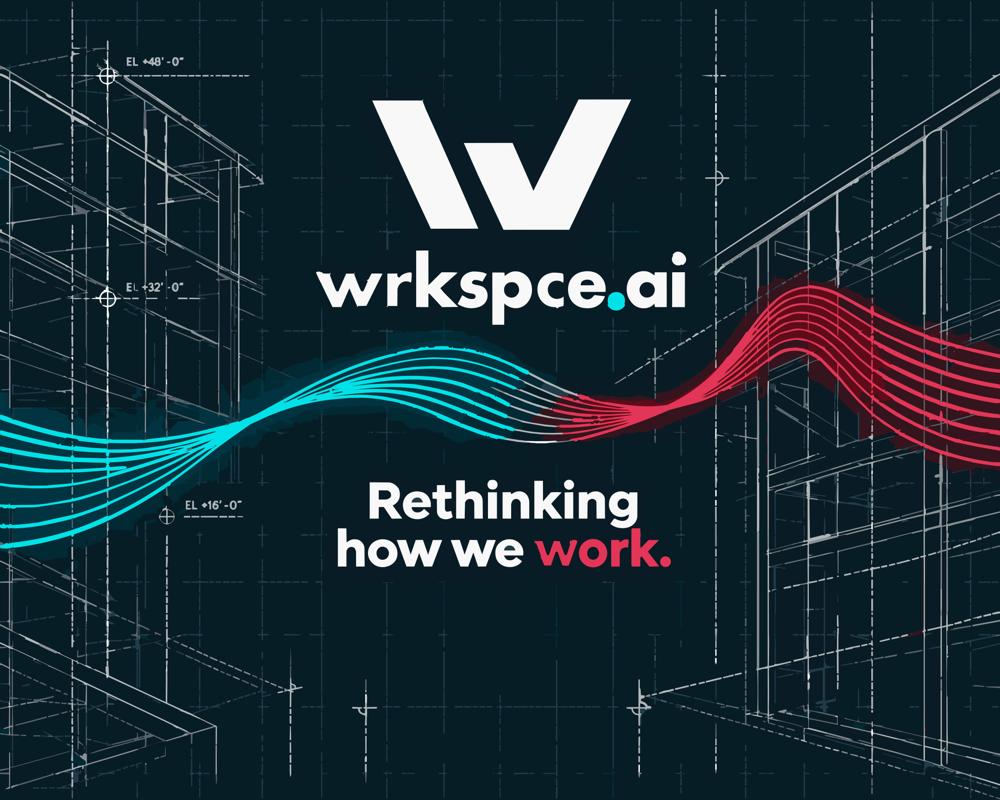
Jeffrey already had the VoPro and wrkspce.ai marks. I cleaned them up in Illustrator so the artwork could hold up on a large backdrop and in close-up animation.
The work was in the details: consistent angles and widths, cleaner joins, a smooth curve in the P, and an even gap in the W. The identity stayed recognizable; the underlying artwork became more precise.
Explore the logo motion studiesOne sheet for the whole system.
With the marks settled, the rest of the kit came together on a single theme sheet. Four colours sit on a blueprint-paper ground, with three type roles and the buttons, status badges and Speak, Map, Approve, Record steps they style.
The hard part
I built the mockup to move.
I built an animated HTML mockup of the reporting workflow. Windows open, spoken notes fill the transcript, a cursor follows the instructions, and a branded transfer makes the move into Procore visible. Each action connects an instruction to a result.
The three workflows run in the browser, with configurable clicker controls and steps that wait for the presenter. Jeffrey could pause for a question, go back, or replay the moment that made the benefit click.
His feedback from the show shaped the refinements: clearer capture, review and transfer cues in the loop, and fewer presenter stops while keeping the animation scenes intact.
Live prototype
Animated HTML mockup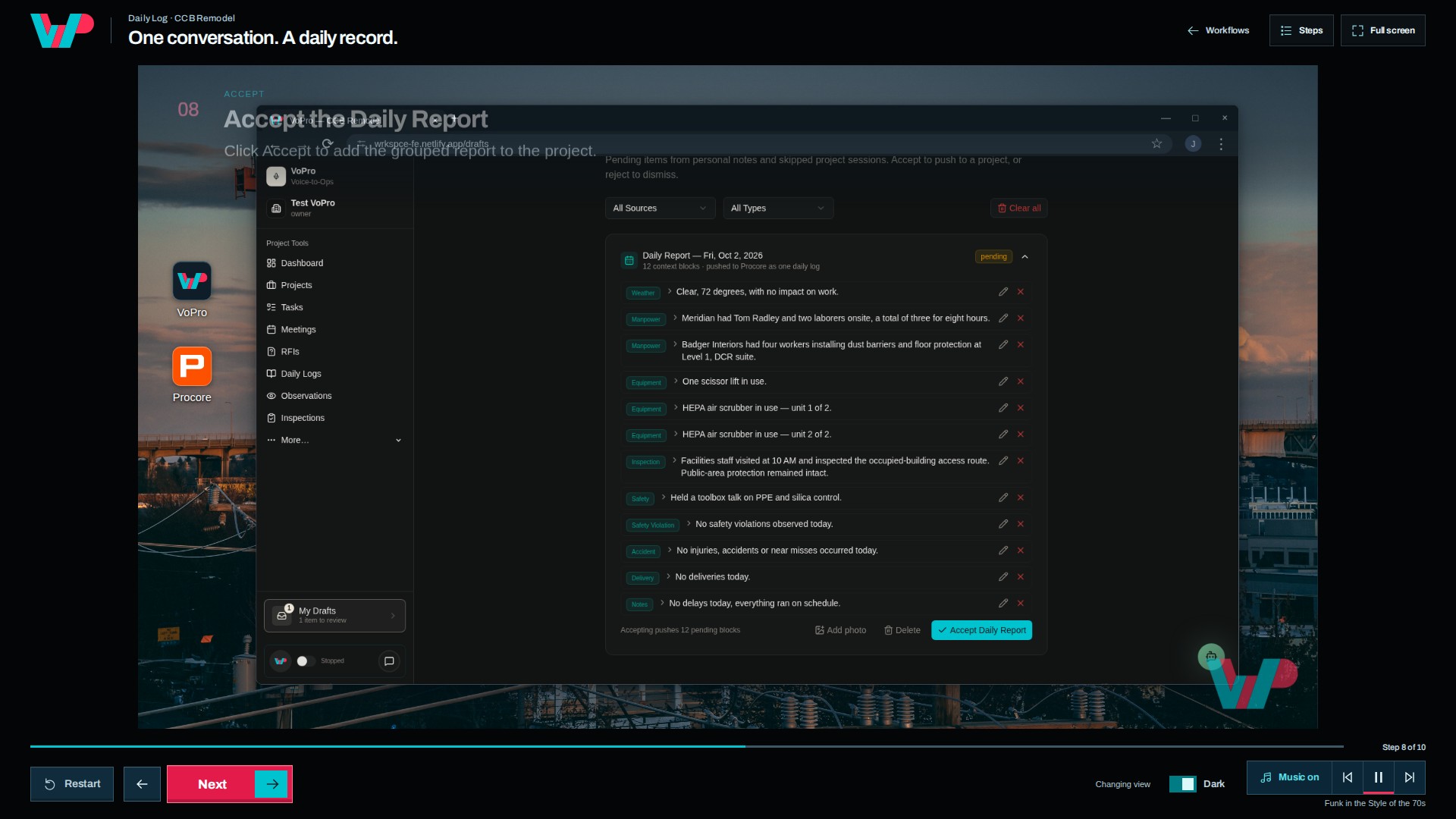
- 01 Capture
- 02 Accept & transfer
- 03 The report
One presentation, several ways to use it.
The dashboard connects the continuous loop, the three scenario films, and the animated product walkthroughs. Full-screen presentation mode keeps the view clear; the controls remain available when they are needed.
Live prototype
Presentation controls
Make the controls yours. Type a key, or choose Learn and press a button on your keyboard or clicker.
Try changing Next to N, then save.
Outcome
The work moved into real conversations.
The reported outcome was follow-up meetings with eleven companies in one and a half days.
The booth materials and interactive presentation gave him a way to attract people, explain the product, and stay with the parts they wanted to understand. After the event, I edited a short LinkedIn promo from the presentation and the footage of the booth in use.